Keyword Density Analyzer
Keyword Density Analyzer is a single-page tool that shows how often each word and phrase appears in a text, the density of target keywords, and basic text statistics. It runs fully in the browser: no server, no account, no API key, and the text is never sent anywhere.
Requirements
- Any static web host or web server that serves files over http or https. No PHP, database, or server code.
- A current browser: Chrome, Edge, Firefox, or Safari from 2023 or newer (ES modules and Unicode regular expressions).
- To run the tests: Node.js 20 or newer. Nothing to install.
Installation
- Unzip the archive.
- Upload the
keyword-density-analyzerfolder to your host, for example tohttps://example.com/keyword-density/. On Cloudflare Pages, Netlify, or Vercel, use the folder as the publish directory; there is no build command. - Open the address in a browser. The tool is ready.
The page must be opened through a web server. Opening index.html straight from the disk (a file:// address) does not load ES modules in most browsers. To try it on your computer:
cd keyword-density-analyzer
python3 -m http.server 8080
# open http://localhost:8080
Configuration
There are no settings files and no keys. Everything you may want to change:
| What | Where |
|---|---|
| Title, intro text, and labels | index.html |
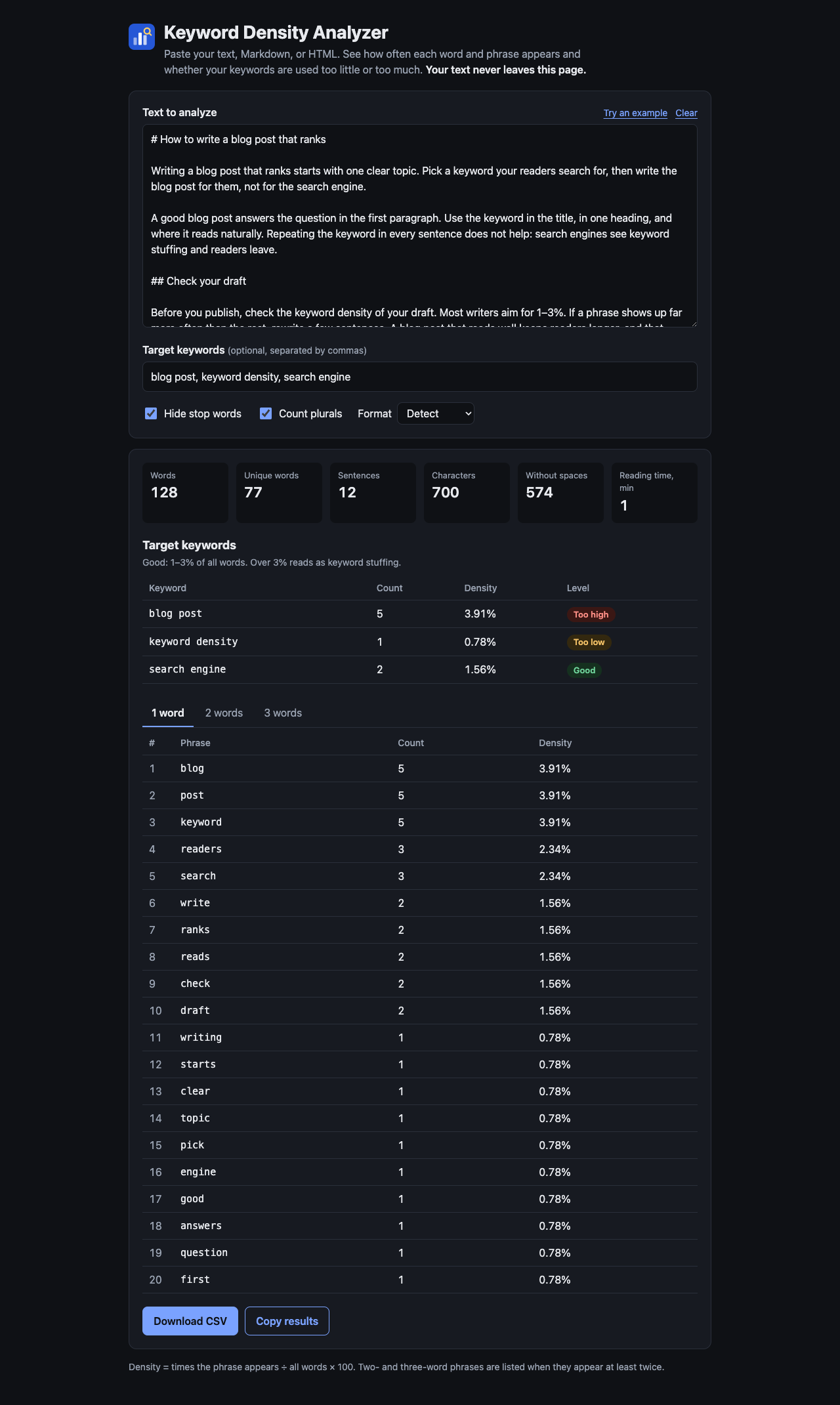
| Colors, fonts, light and dark theme | the variables at the top of css/style.css (every class starts with kda-) |
| Good density range (1–3%) | DENSITY_RANGE in js/keyword-density.js; update the hint in index.html to match |
| Number of phrases per list (20) | the limit option passed to analyzeText in js/app.js |
| Stop words | js/stop-words.js |
| Example text and keywords | EXAMPLE_TEXT and EXAMPLE_KEYWORDS in js/app.js |
| Icon | img/icon.svg |
The page has a strict Content-Security-Policy in index.html (connect-src 'none', only files from the same site). If you add analytics or fonts from another domain, add that domain to the policy.
Embedding the tool in another page
Put the page in an iframe: <iframe src="/keyword-density/" title="Keyword Density Analyzer" style="width:100%;height:1400px;border:0"></iframe>. Or copy the markup inside <main class="kda"> into your page and load css/style.css and js/app.js (as type="module").
How to use
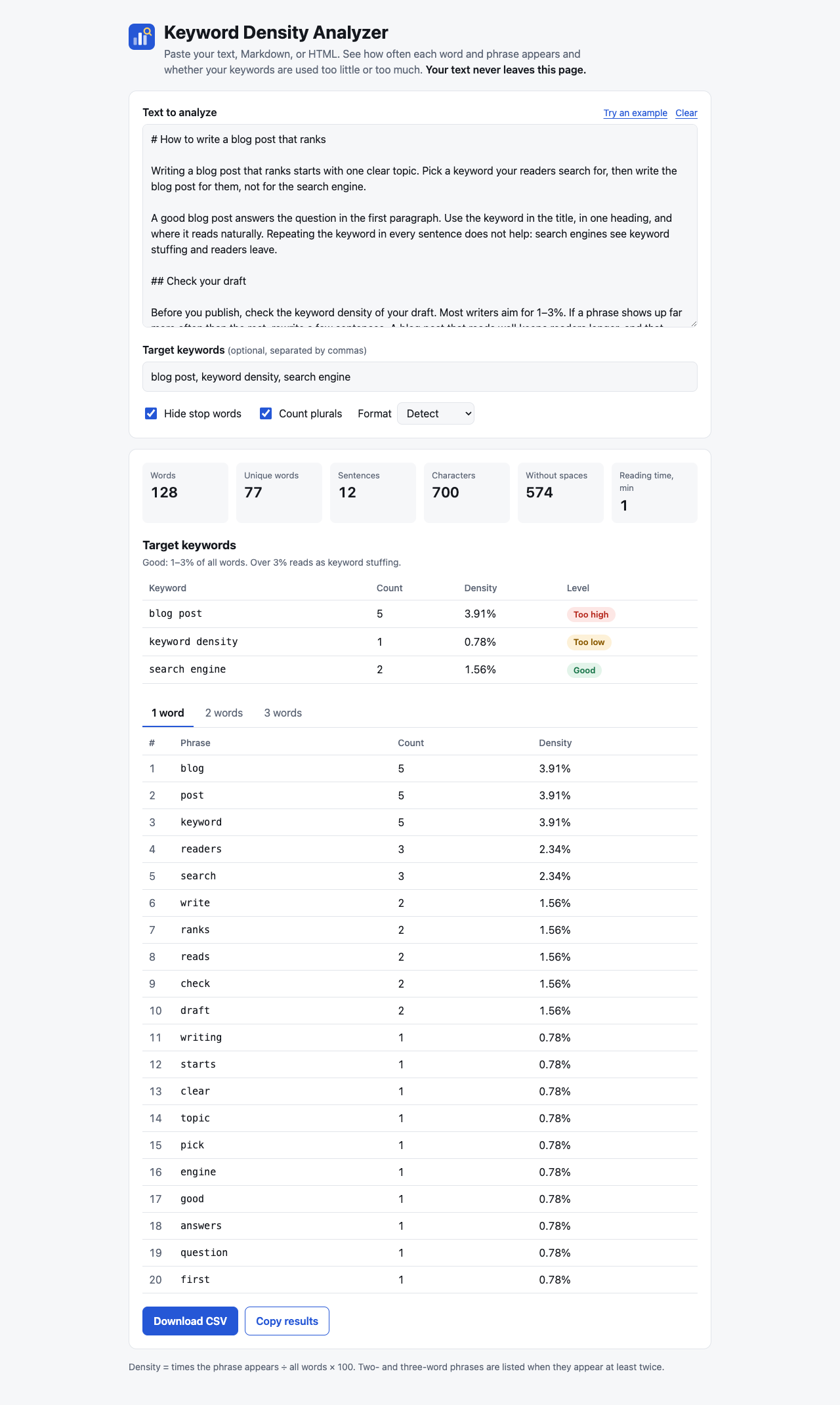
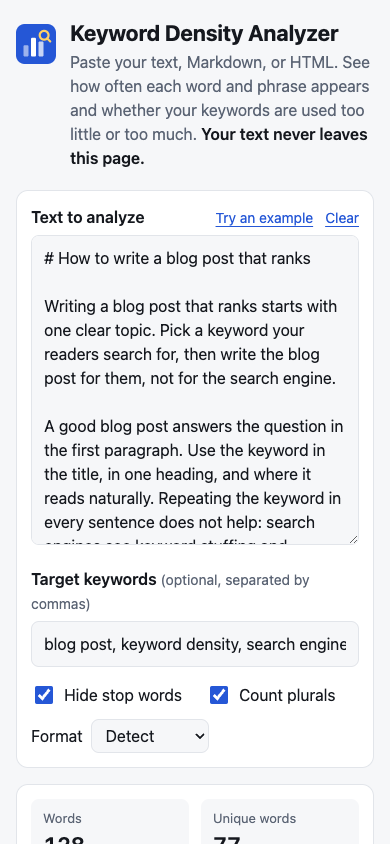
- Paste your text, a Markdown draft, or the HTML of a page into Text to analyze. Press Try an example to see a sample.
- Optionally type your Target keywords, separated by commas.
- Read the results; they update as you type:
- The statistics: words, unique words, sentences, characters, characters without spaces, reading time.
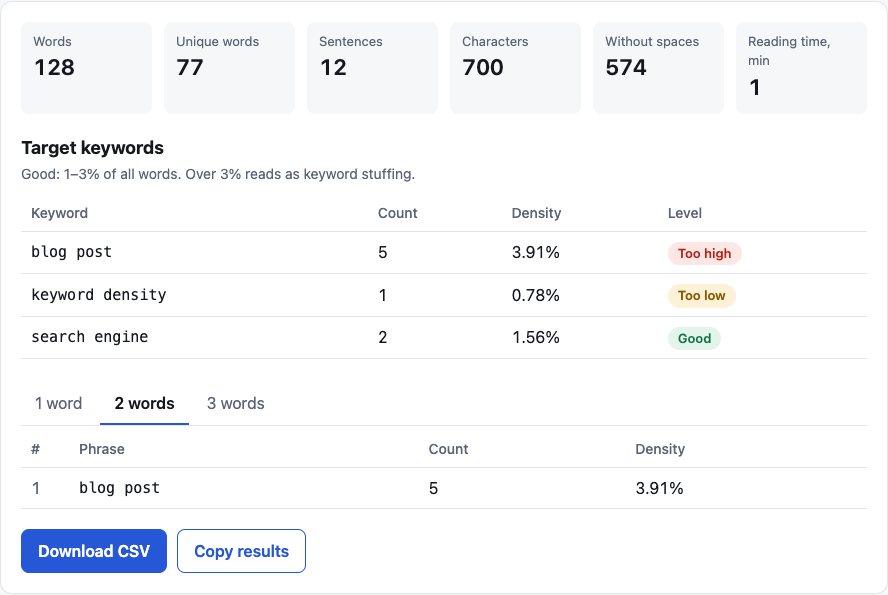
- Target keywords: count, density, and a level: Missing, Too low (under 1%), Good (1–3%), Too high (over 3%).
- The top phrases of 1 word, 2 words, and 3 words. Switch tabs with a click or the arrow keys.
- Options: Hide stop words (on by default) removes words such as "the" and "of" from the lists; Count plurals (on by default) counts "tool" and "tools" as the same keyword; Format forces text, Markdown, or HTML when the detection guesses wrong.
- Press Download CSV to save the results for a spreadsheet, or Copy results to paste them into a message or a document.
Screenshots
How it counts
- Density = times the phrase appears ÷ all words × 100, rounded to 2 decimals. Stop words always count in the total.
- Words are runs of letters and digits in any language; apostrophes inside a word are kept (
don't,l'eau). Case is ignored. - Phrases never cross the end of a sentence or a line, so a heading is not joined with the next paragraph. Two- and three-word phrases are listed when they appear at least twice. Pure numbers are not listed as words.
- HTML: scripts, styles, code blocks, comments, and tags are removed; entities are decoded. Markdown: link and image text are kept, code blocks, inline code, and markup are removed. Web addresses are removed in every format.
- Plurals apply to the last word of a keyword: +s, +es, y→ies, and back to the singular. Words of 3 letters or fewer that end in s (bus, gas) are not cut.
- Stop words are English. Texts in other languages are counted correctly; turn Hide stop words off if a word you need is hidden.
Using the module in your code
js/keyword-density.js has no DOM and no network code. It works in browsers and in Node.js.
import { analyzeText, toCsv } from './js/keyword-density.js';

const result = analyzeText('<h1>SEO tips</h1><p>Best SEO tips for writers.</p>', {
  format: 'auto',          // 'auto' | 'text' | 'markdown' | 'html'
  keywords: 'seo tips',    // a string separated by commas or new lines, or an array
  ignoreStopWords: true,
  includePlurals: true,
  limit: 20,
});

result.stats;        // { words, uniqueWords, characters, charactersNoSpaces, sentences, readingMinutes }
result.phrases[2];   // [{ phrase: 'seo tips', count: 2, density: 28.57 }]
result.keywords;     // [{ keyword: 'seo tips', count: 2, density: 28.57, level: 'high' }]
toCsv(result);       // CSV text
Other exports: extractText, tokenize, detectFormat, parseKeywords, pluralForms, densityLevel, toPlainText, DENSITY_RANGE. Each has a JSDoc comment.
Tests: node --test keyword-density-analyzer/tests/keyword-density.test.mjs from the folder that holds keyword-density-analyzer.
Files
| File | What it is |
|---|---|
index.html | The page |
css/style.css | Styles, light and dark |
js/keyword-density.js | The analysis module |
js/stop-words.js | English stop words |
js/app.js | Connects the page to the module |
img/icon.svg | Icon |
robots.txt | Lets search engines index the page |
tests/keyword-density.test.mjs | Unit tests |
Changelog
- v1.0.0 — October 17, 2026 — Initial Release.
Sources and credits
No third-party libraries, frameworks, fonts, or images are used. The page uses the fonts already on the visitor's device. The icon was drawn for this product. The reading speed of 238 words per minute is the average adult silent reading rate from Brysbaert, M. (2019), "How many words do we read per minute? A review and meta-analysis of reading rate", Journal of Memory and Language.